Official Android App & iPhone Web App

Study Anywhere.
On Any Device.

Carry your university curriculum, AI study companion, flashcards, and quizzes directly in your pocket.

Detected: Analyzing Hardware... Detecting...
Android 7.0+ Direct APK

Android Edition

Official standalone APK with offline lecture storage & instant sync

ARM64-v8a Modern 64-bit phones
~25 MB
Universal APK All Android devices
~28 MB
ARMEABI-v7a Older 32-bit devices
~23 MB
x86_64 Chromebook & PC
~26 MB
Quick Installation: 2 Simple Steps
1
Download APK Save file to device
2
Tap & Install Allow & start learning
Offline Mode Instant Sync 100% Free & Safe
iOS 14+ / iPadOS PWA Web App

iPhone & iPad Edition

Official high-speed web app companion powered by app.edyousd.com

https://app.edyousd.com
Safari Chrome iOS Edge iOS Full Screen PWA
Install to Home Screen: Safari Browser
1
Open Safari app.edyousd.com
2
Tap Share Bottom bar []
3
Add to Home Full screen
Instant Launch Auto Updates No App Store Needed
Offline Lecture Mode

Download slides, notes, and summaries once and study anywhere without internet connection.

AI Document RAG

Ask complex questions about your university lecture files and receive instant grounded answers.

Spaced Repetition

Active recall flashcard kits generated directly from lecture slides to boost memory retention.

Ascent Gamification

Earn XP, maintain daily study streaks, unlock avatar rewards, and level up your scholar rank.

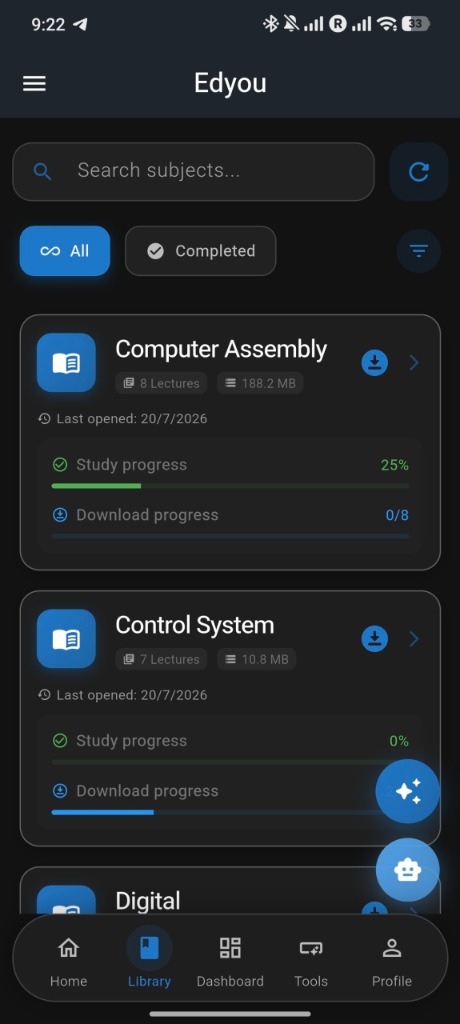
REAL APP PREVIEWS

Inside the App

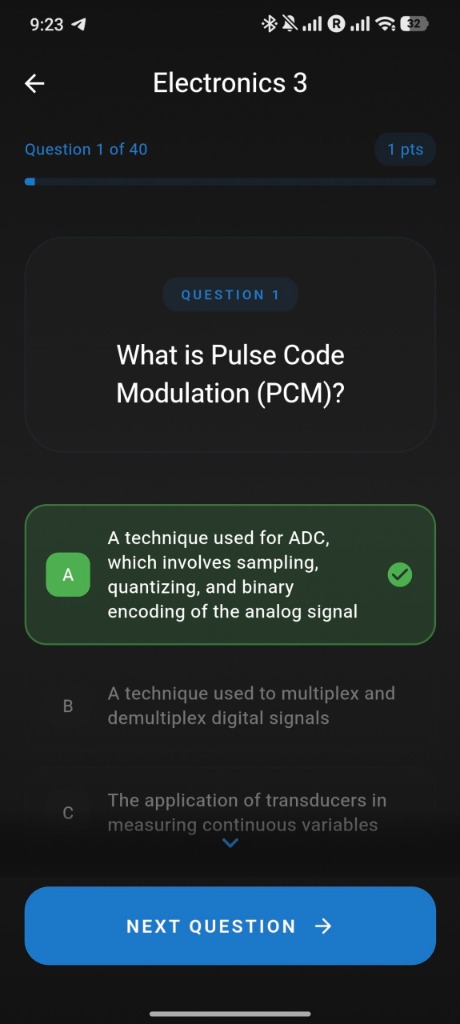
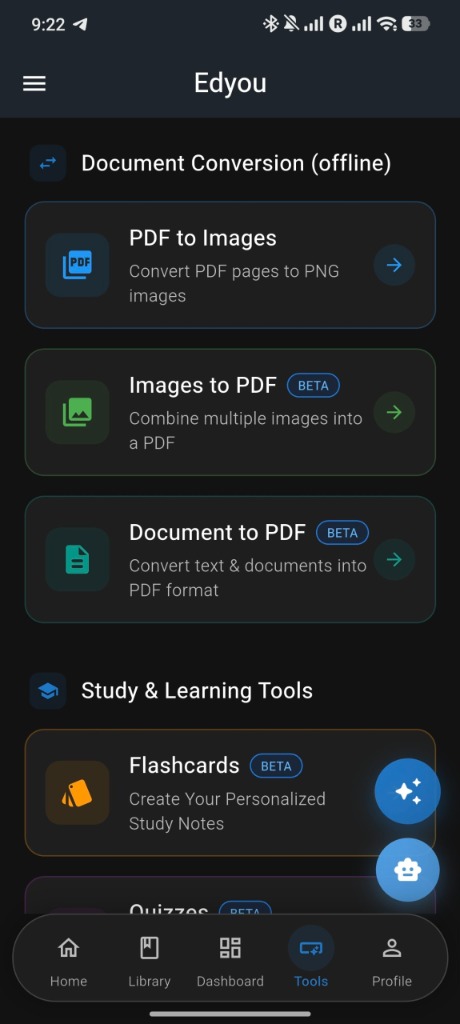
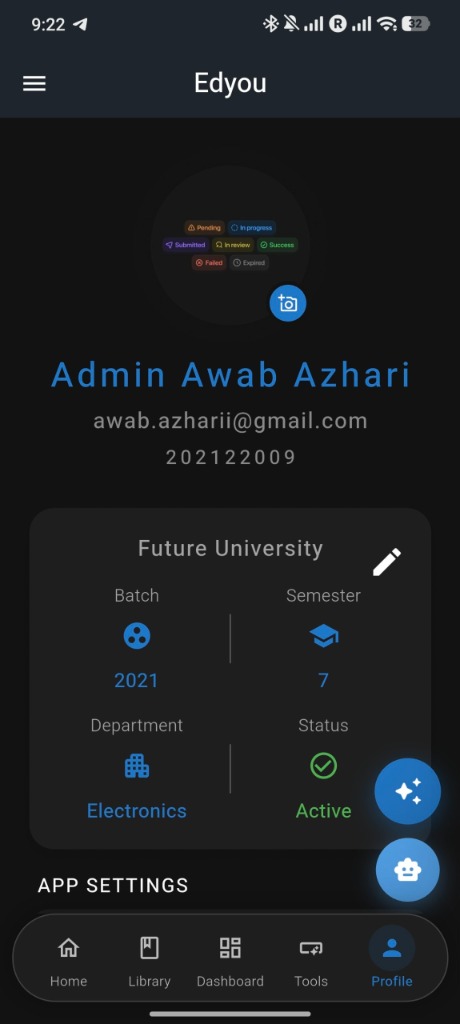
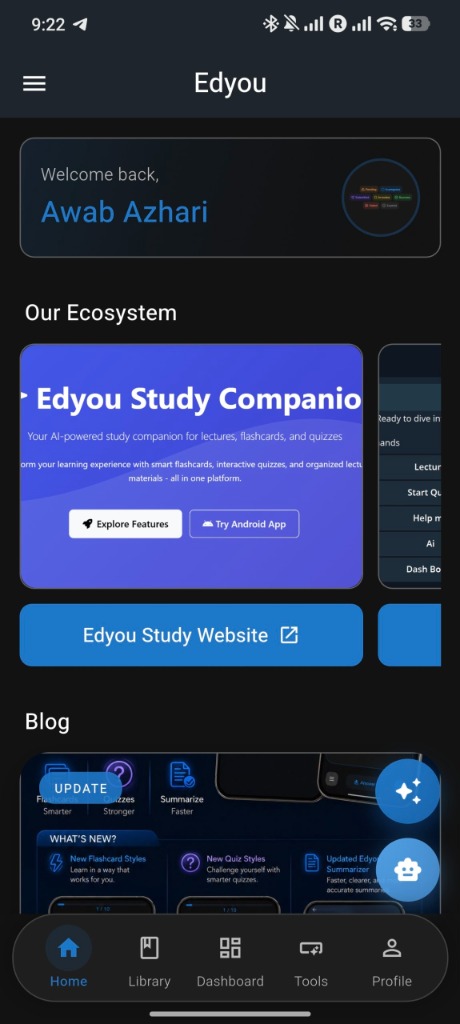
Take a look inside the official Edyou mobile companion app — engineered for fast study sessions, active recall, and offline document processing.
STUDENT SUPPORT

Frequently Asked Questions

Everything you need to know about setting up and running Edyou.

Tap the Download APK button. Once the download finishes, tap the notification or open your device's Downloads folder. If prompted with "Install from unknown sources", toggle the permission ON and tap Install.
Open app.edyousd.com in Safari on your iPhone, tap the Share button (the square with an arrow pointing up), and select "Add to Home Screen" (إضافة إلى الشاشة الرئيسية). The app will install directly with a dedicated icon and run in full-screen mode.
Yes! All your bookmarks, flashcards, quiz scores, Ascent habit streaks, and level XP are synced in real-time across the website, mobile app, and Telegram bot.
Yes, Edyou is completely free for university students and individual learners to browse course lectures, review flashcard decks, take quizzes, and chat with the AI companion.